Loading
Related Articles
Related Articles

TrustFinance Research Team
सित. 18, 2025
5 min read
224

Claiming your business profile is the first step toward accessing TrustFinance’s full suite of business tools. Whether you want to collect verified reviews, monitor your brand reputation, or access real-time analytics, it all starts here.
This guide explains how to claim your profile—whether your company already exists on the TrustFinance platform or not—and outlines what you can expect once you gain access.
TrustFinance welcomes a wide range of companies operating within or serving the financial industry. This includes, but is not limited to:
If your business is connected to the financial services sector in any capacity, you're likely eligible to be listed on TrustFinance.
Before claiming or creating a new profile, it’s important to check whether your company is already listed on TrustFinance. To do this:
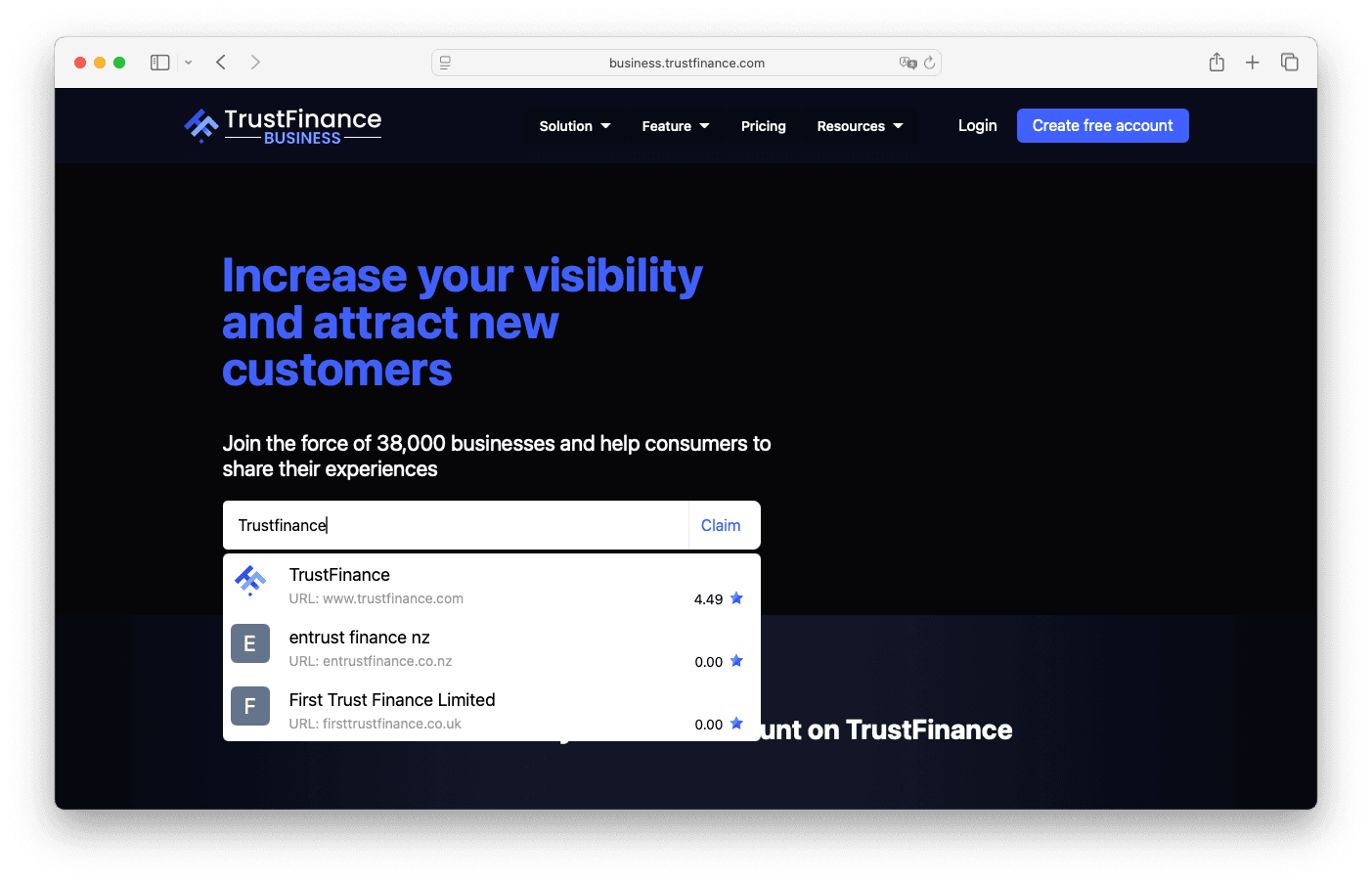
If you’re unsure or want confirmation before submitting a request, feel free to contact our team at [email protected]. We’ll be happy to check for you.
You can directly search for and claim your profile.
You can request to create your profile first, then claim it afterward.
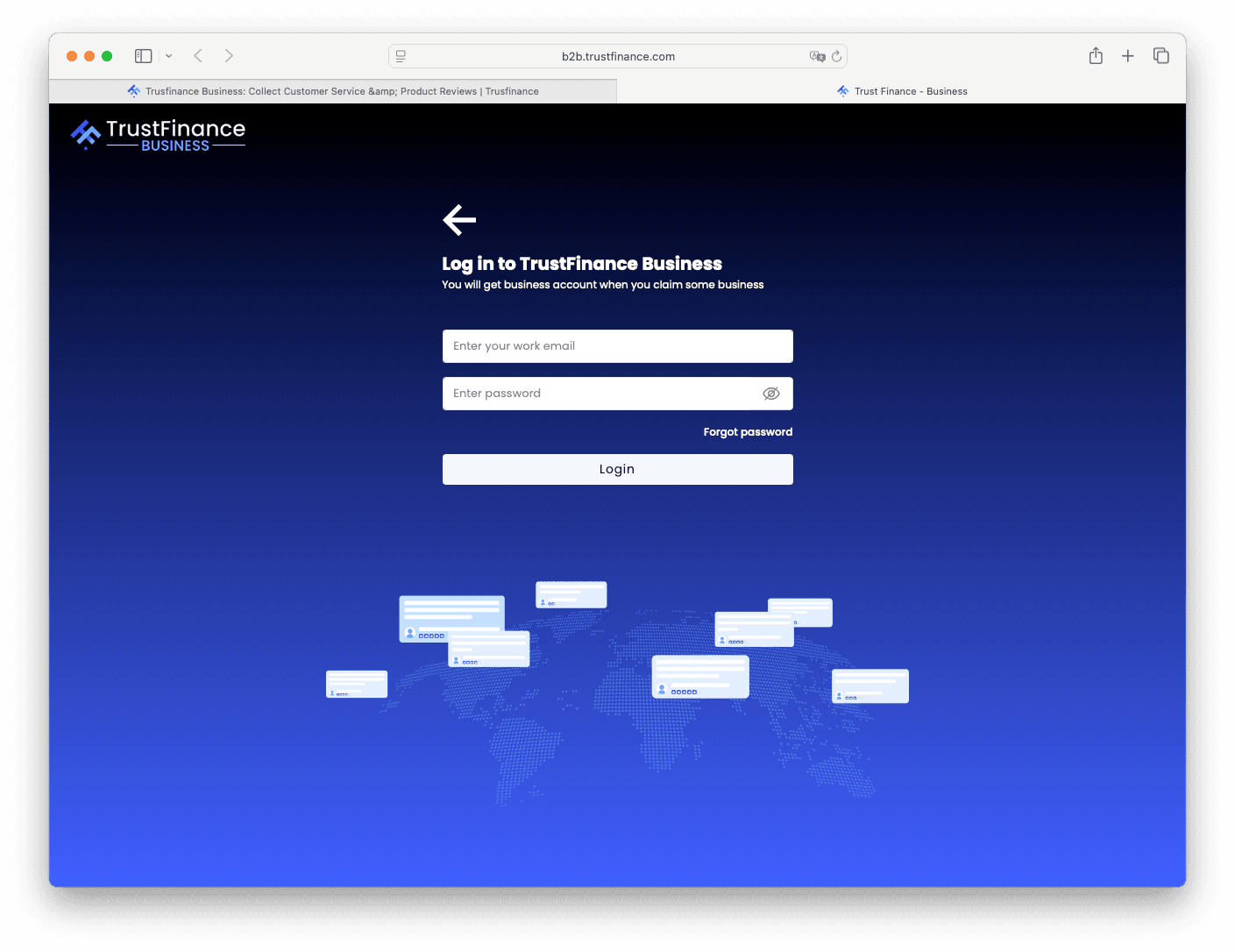
Once your claim is approved, you'll receive login credentials to access the TrustFinance B2B Dashboard, starting on the free plan.
If your company already has a profile on the platform:
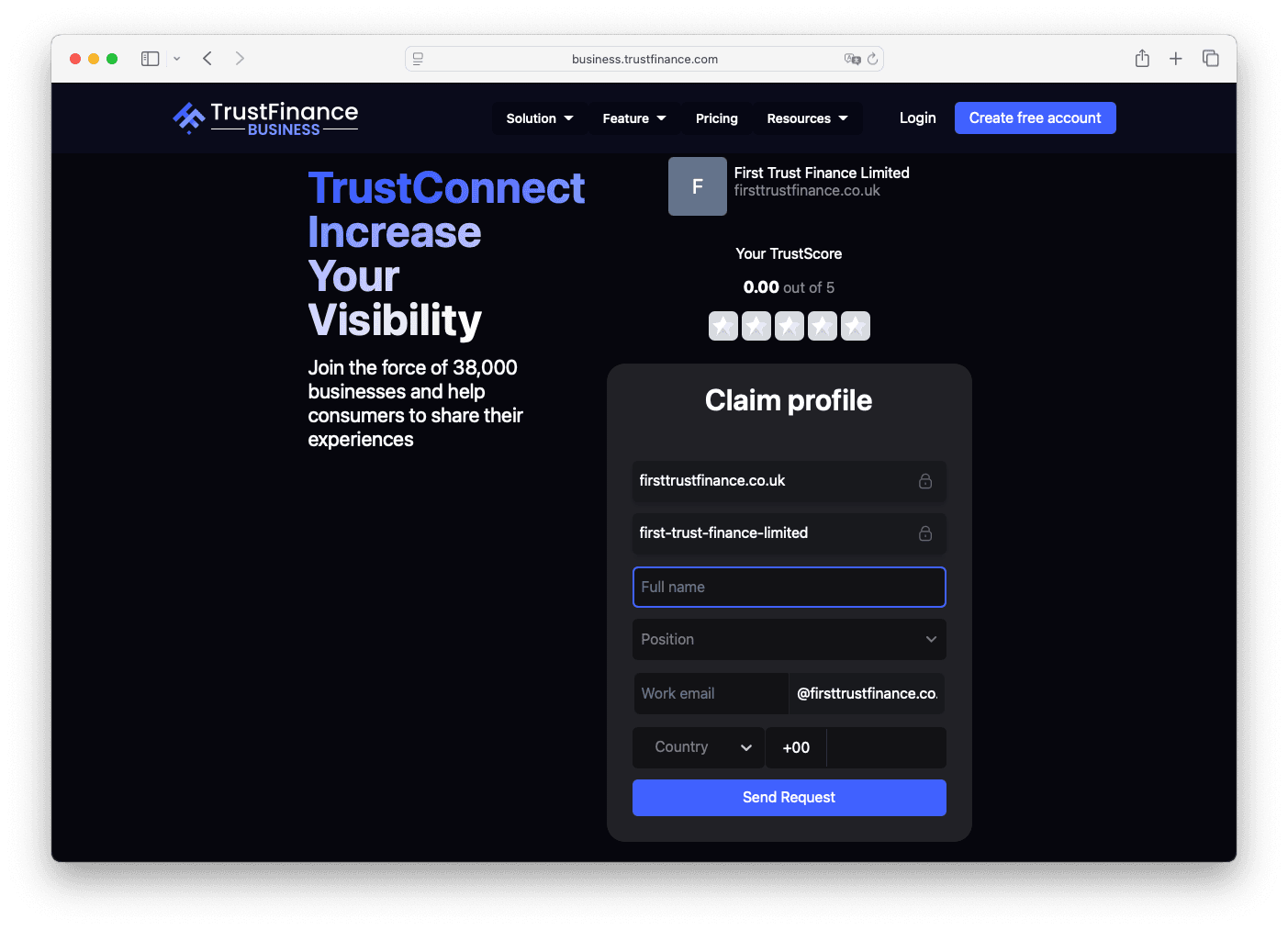
You can then log in and start using the dashboard features, including Review Invitation, Business Profile, Analytics, and more.
If your company is not currently listed on TrustFinance:
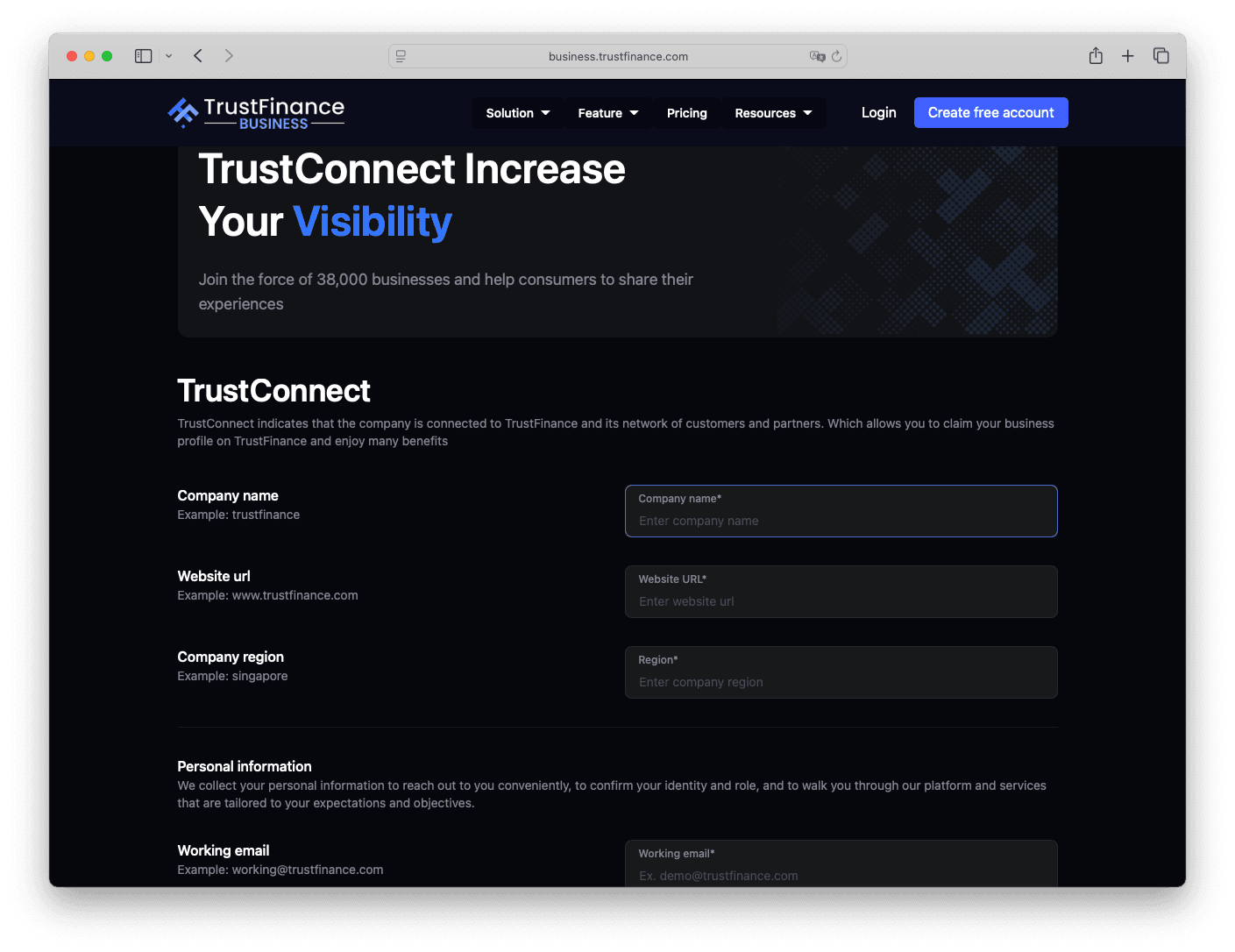
Once your request is approved, you will receive an email confirming the profile creation, along with a unique link to claim your profile.
After submitting the claim form, you’ll receive your login credentials by email and gain access to the TrustFinance B2B Dashboard.
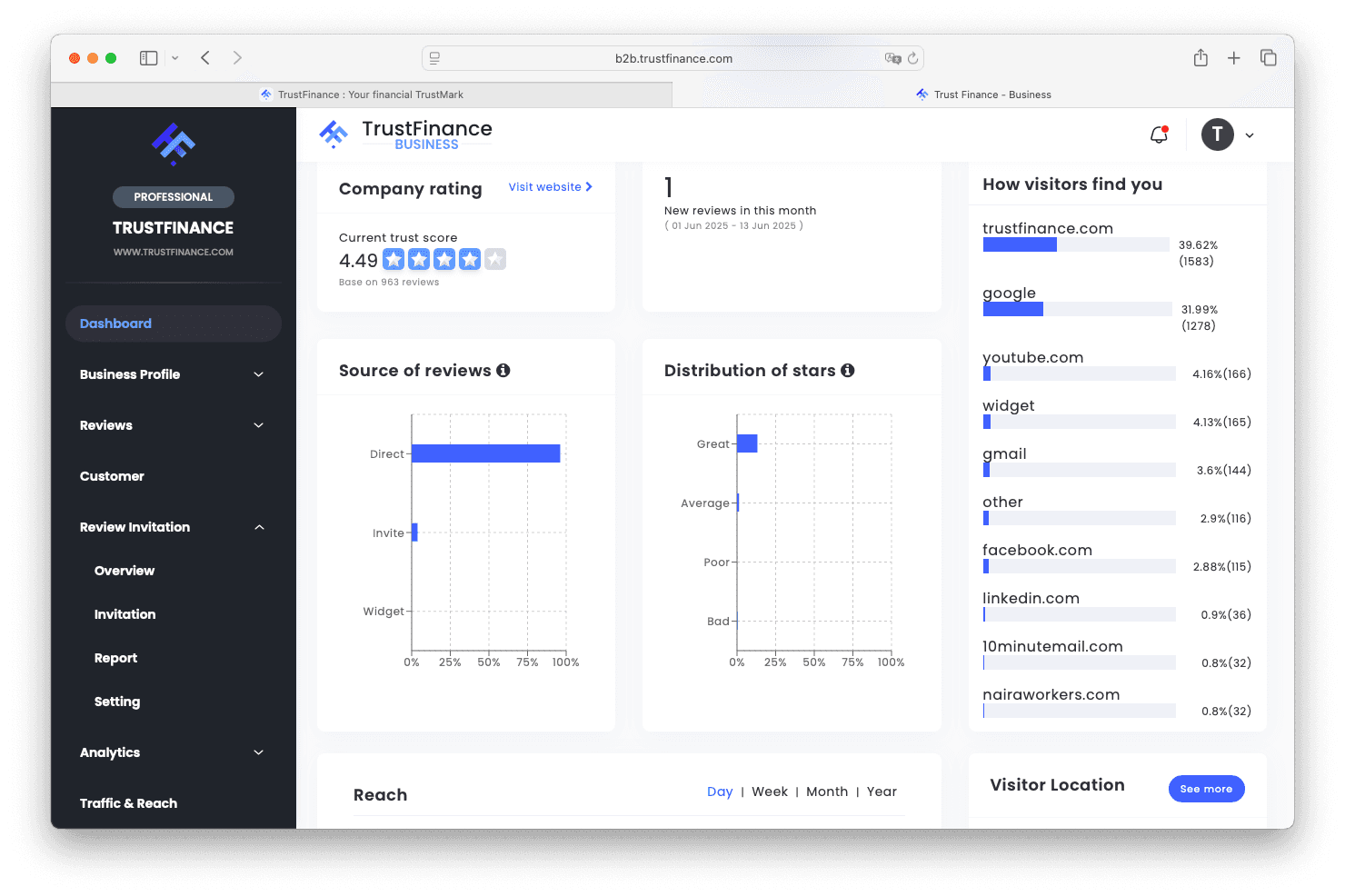
After your claim is approved and your login credentials are issued, you’ll have access to the TrustFinance B2B Dashboard, where you can:
All users start on the free plan, with the option to upgrade for more advanced tools.
To explore how each feature works in detail, visit the TrustFinance B2B Dashboard Guide, our main resource hub for managing your presence on the platform.
If you’re unsure whether your company is listed or you need assistance during the claiming process, please reach out to our team:
TrustFinance Research Team
Official TrustFinance research and editorial team, sharing insights, analysis, and best practices to help financial companies and traders build transparency, credibility, and growth.